Exercise 1: Print the squares of the numbers 1 – 20. Each number should be on a separate line ,next to it the number 2 superscripted, an equal sign and the result. (Example: 102 =100)
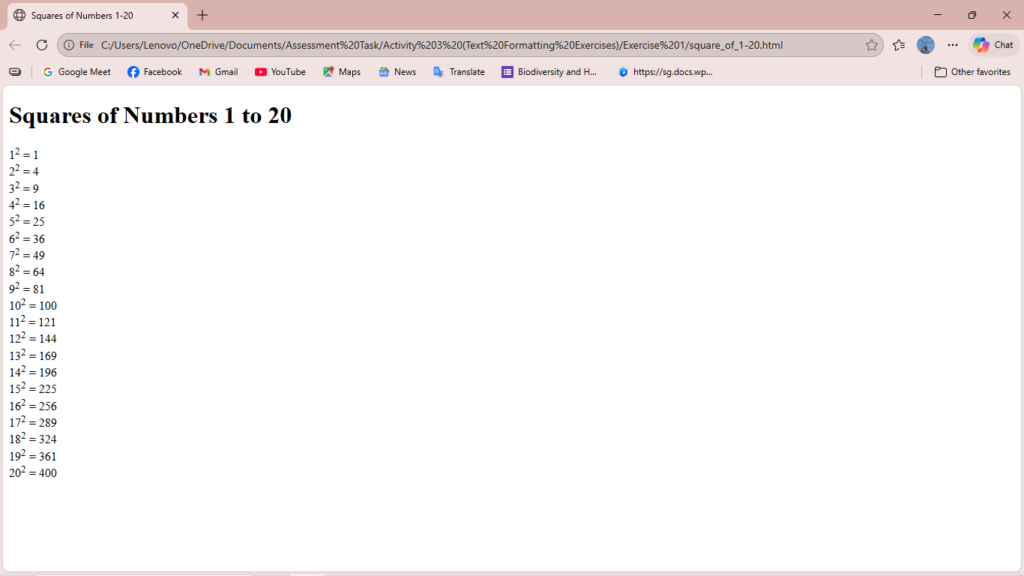
<!DOCTYPE html>
<html>
<head>
    <title>Squares of Numbers 1-20</title>
</head>
<body>

    <h1>Squares of Numbers 1 to 20</h1>

    1<sup>2</sup> = 1<br>

    2<sup>2</sup> = 4<br>

    3<sup>2</sup> = 9<br>

    4<sup>2</sup> = 16<br>

    5<sup>2</sup> = 25<br>

    6<sup>2</sup> = 36<br>

    7<sup>2</sup> = 49<br>

    8<sup>2</sup> = 64<br>

    9<sup>2</sup> = 81<br>

    10<sup>2</sup> = 100<br>

    11<sup>2</sup> = 121<br>

    12<sup>2</sup> = 144<br>

    13<sup>2</sup> = 169<br>

    14<sup>2</sup> = 196<br>

    15<sup>2</sup> = 225<br>

    16<sup>2</sup> = 256<br>

    17<sup>2</sup> = 289<br>

    18<sup>2</sup> = 324<br>

    19<sup>2</sup> = 361<br>

    20<sup>2</sup> = 400<br>

</body>
</html>
Exercise 2: Prints 10 names with a line break between each name. The list should be alphabetized, and to do this place a subscripted number next to each name base on where it will go in the alphabetized list. (Example: Alan1). Print first, the
unalphabetized list with a subscript number next to each name, then the alphabetized list. Both lists should have an level heading.
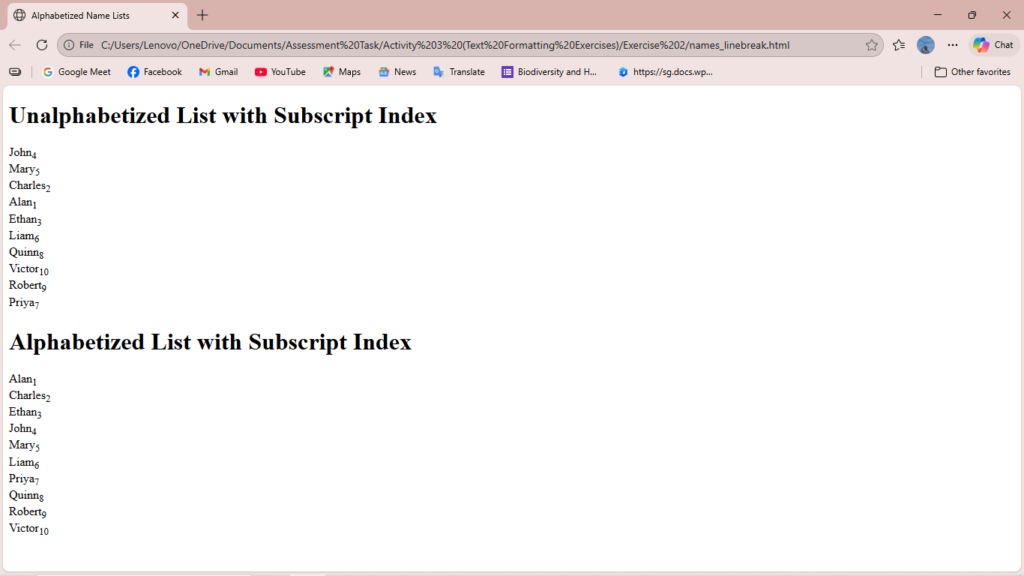
<!DOCTYPE html>
<html>
<head>
    <title>Alphabetized Name Lists</title>
</head>
<body>

    <h1>Unalphabetized List with Subscript Index</h1>

    <p>
        John<sub>4</sub><br>
        Mary<sub>5</sub><br>
        Charles<sub>2</sub><br>
        Alan<sub>1</sub><br>
        Ethan<sub>3</sub><br>
        Liam<sub>6</sub><br>
        Quinn<sub>8</sub><br>
        Victor<sub>10</sub><br>
        Robert<sub>9</sub><br>
        Priya<sub>7</sub><br>
    </p>

    <h1>Alphabetized List with Subscript Index</h1>

    <p>
        Alan<sub>1</sub><br>
        Charles<sub>2</sub><br>
        Ethan<sub>3</sub><br>
        John<sub>4</sub><br>
        Mary<sub>5</sub><br>
        Liam<sub>6</sub><br>
        Priya<sub>7</sub><br>
        Quinn<sub>8</sub><br>
        Robert<sub>9</sub><br>
        Victor<sub>10</sub><br>
    </p>

</body>
</html>
Exercise 3: Print two paragraphs that are both indented using the command.
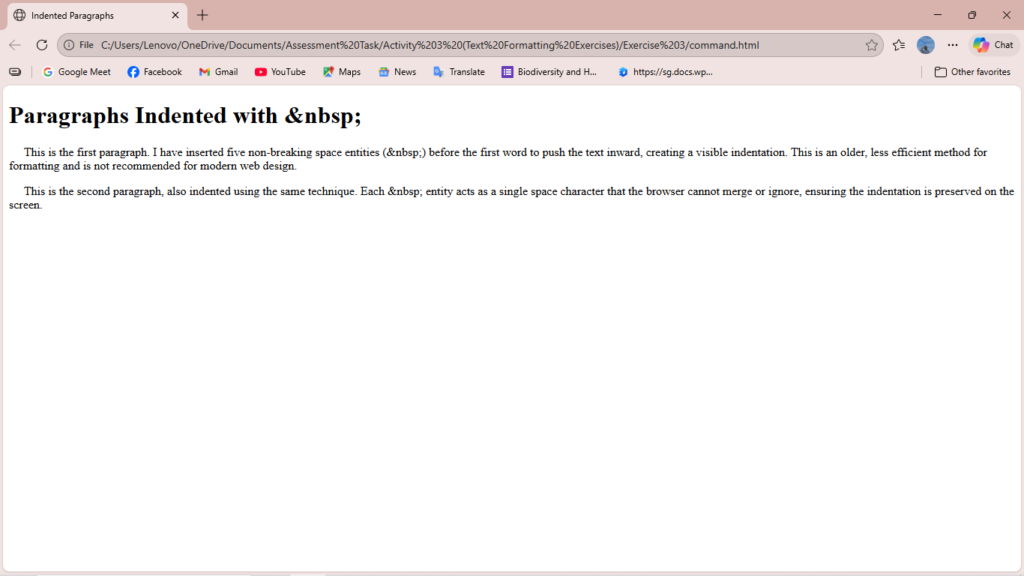
<!DOCTYPE html>
<html>
<head>
<title>Indented Paragraphs</title>
</head>
<body>
<h1>Paragraphs Indented with &nbsp;</h1>
<p>
This is the first paragraph. I have inserted five non-breaking space entities
(&nbsp;) before the first word to push the text inward, creating a visible indentation.
This is an older, less efficient method for formatting and is not recommended for modern web design.
</p>
<p>
This is the second paragraph, also indented using the same technique.
Each &nbsp; entity acts as a single space character that the browser cannot merge or ignore,
ensuring the indentation is preserved on the screen.
</p>
</body>
</html>Exercise 4: Print two lists with any information you want. One list should be an ordered list, the other list should be an unordered list.
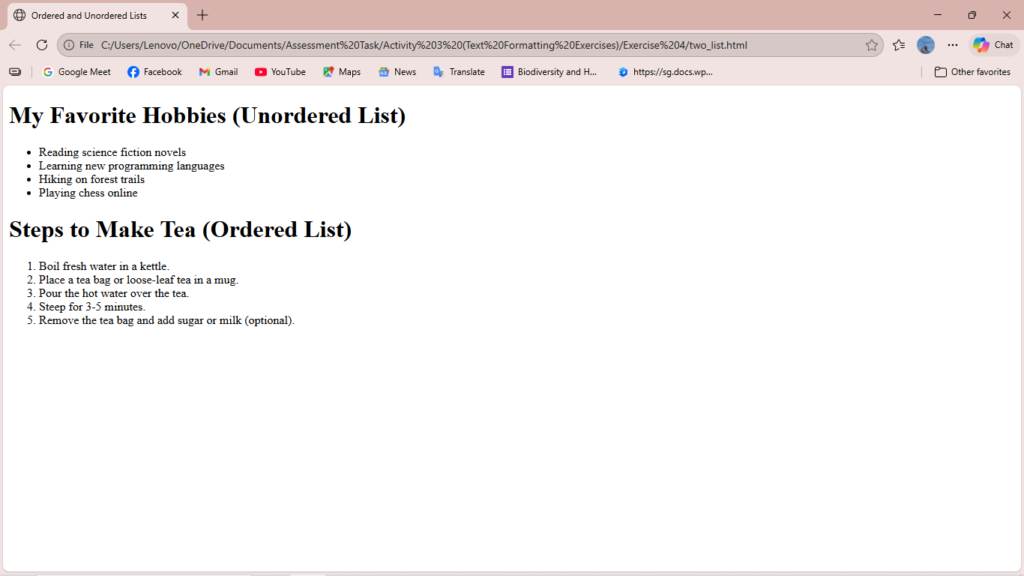
<!DOCTYPE html>
<html>
<head>
    <title>Ordered and Unordered Lists</title>
</head>
<body>

    <h1>My Favorite Hobbies (Unordered List)</h1>

    <ul>
        <li>Reading science fiction novels</li>
        <li>Learning new programming languages</li>
        <li>Hiking on forest trails</li>
        <li>Playing chess online</li>
    </ul>

    <h1>Steps to Make Tea (Ordered List)</h1>

    <ol>
        <li>Boil fresh water in a kettle.</li>
        <li>Place a tea bag or loose-leaf tea in a mug.</li>
        <li>Pour the hot water over the tea.</li>
        <li>Steep for 3-5 minutes.</li>
        <li>Remove the tea bag and add sugar or milk (optional).</li>
    </ol>

</body>
</html>
Exercise 5: Prints an h1 level heading followed by a horizontal line whose width is 100%. Below the horizontal line print a paragraph relating to the text in the heading.
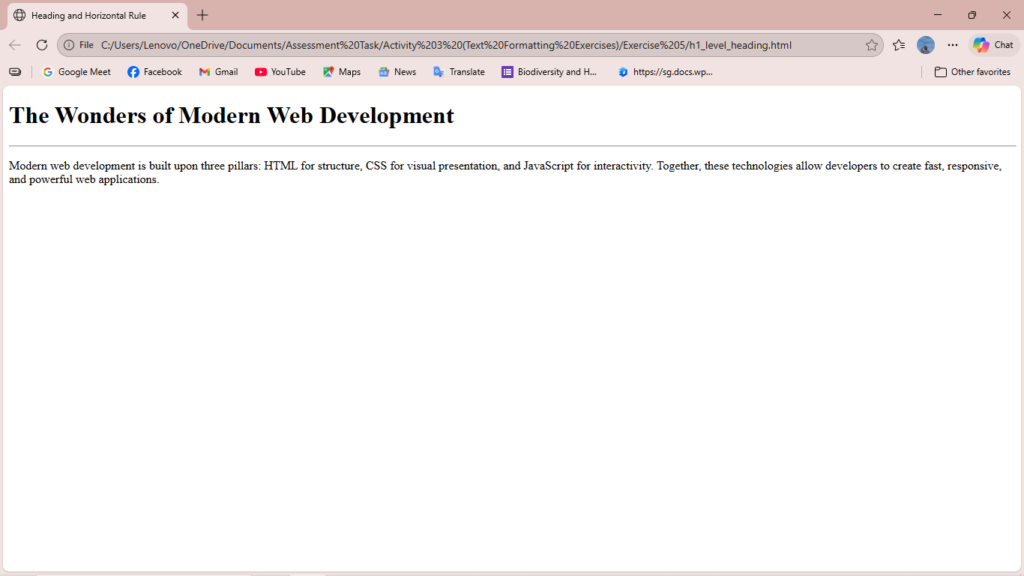
<!DOCTYPE html>
<html>
<head>
    <title>Heading and Horizontal Rule</title>
</head>
<body>

    <h1>The Wonders of Modern Web Development</h1>

    <hr style="width: 100%;">

    <p>
        Modern web development is built upon three pillars: HTML for structure,
        CSS for visual presentation, and JavaScript for interactivity.
        Together, these technologies allow developers to create fast, responsive, and powerful web applications.
    </p>

</body>
</html>
Exercise 6: Print some preformatted text of your choosing. (hint: use the tag)
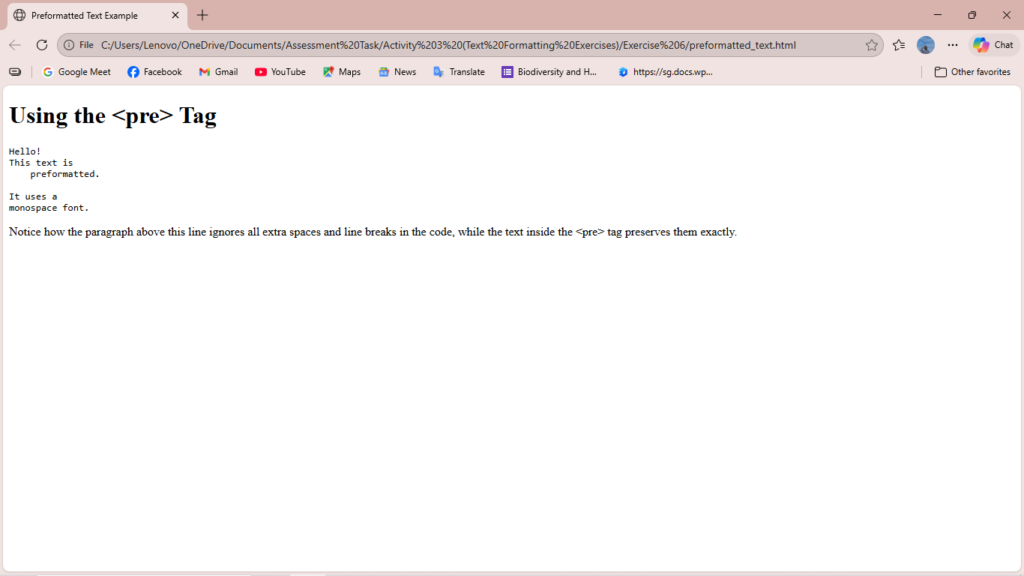
<!DOCTYPE html>
<html>
<head>
<title>Preformatted Text Example</title>
</head>
<body>
<h1>Using the <pre> Tag</h1>
<pre>
Hello!
This text is
preformatted.
It uses a
monospace font.
</pre>
<p>
Notice how the paragraph above this line ignores all extra spaces and line breaks
in the code, while the text inside the <pre> tag preserves them exactly.
</p>
</body>
</html>Exercise 7: Print a long quote and a short quote. Cite the author of each quote.
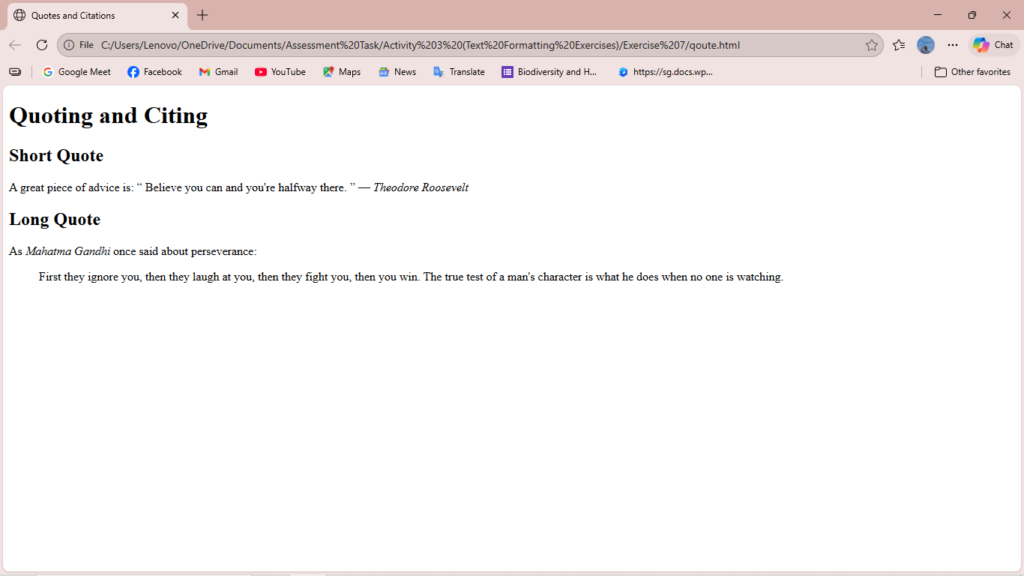
<!DOCTYPE html>
<html>
<head>
    <title>Quotes and Citations</title>
</head>
<body>

    <h1>Quoting and Citing</h1>

    <h2>Short Quote</h2>

    <p>
        A great piece of advice is:
        <q cite="http://www.example.com/roosevelt">
            Believe you can and you're halfway there.
        </q>
        — <cite>Theodore Roosevelt</cite>
    </p>

    <h2>Long Quote</h2>

    <p>As <cite>Mahatma Gandhi</cite> once said about perseverance:</p>

    <blockquote cite="http://www.example.com/gandhi">
        First they ignore you, then they laugh at you, then they fight you,
        then you win. The true test of a man's character is what he does
        when no one is watching.
    </blockquote>

</body>
</html>
Exercise 8: Print some deleted and inserted text of your choosing.
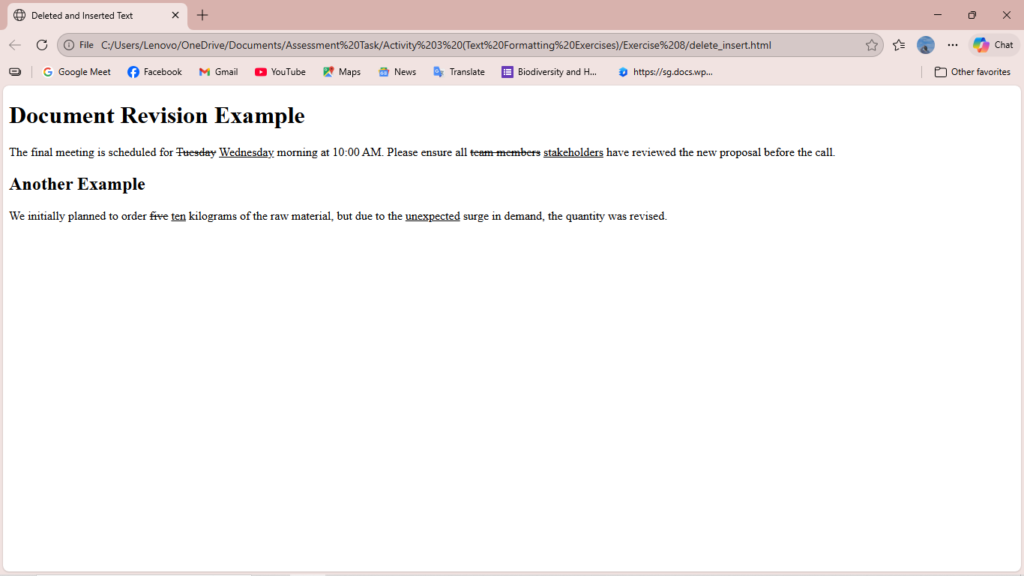
<!DOCTYPE html>
<html>
<head>
    <title>Deleted and Inserted Text</title>
</head>
<body>

    <h1>Document Revision Example</h1>

    <p>
        The final meeting is scheduled for <del>Tuesday</del> <ins>Wednesday</ins>
        morning at 10:00 AM. Please ensure all <del>team members</del> <ins>stakeholders</ins>
        have reviewed the new proposal before the call.
    </p>

    <h2>Another Example</h2>

    <p>
        We initially planned to order <del>five</del> <ins>ten</ins> kilograms of the raw material,
        but due to the <ins>unexpected</ins> surge in demand, the quantity was revised.
    </p>

</body>
</html>
Exercise 9: Print a definition list with 5 items.
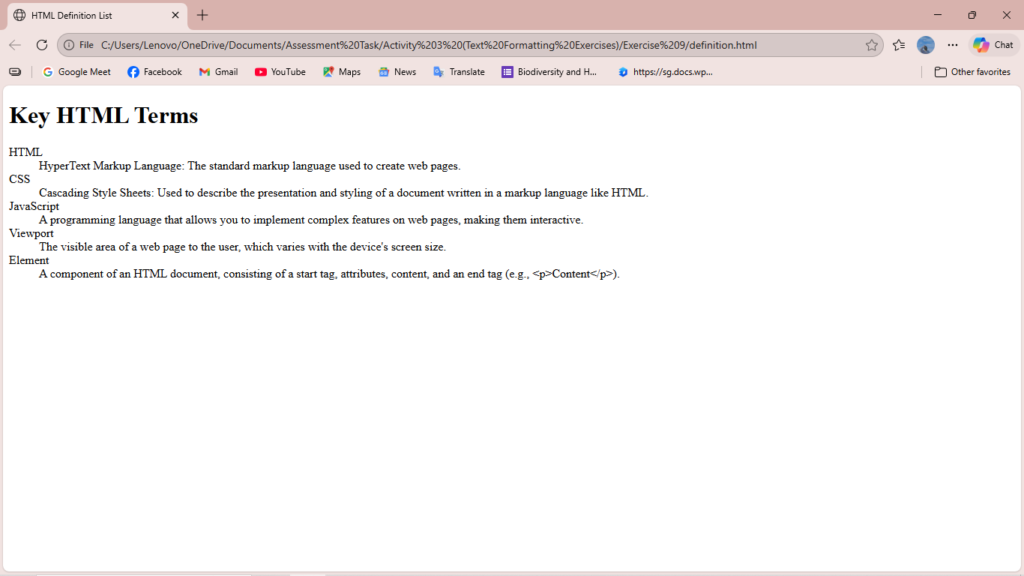
<!DOCTYPE html>
<html>
<head>
<title>HTML Definition List</title>
</head>
<body>
<h1>Key HTML Terms</h1>
<dl>
<dt>HTML</dt>
<dd>HyperText Markup Language: The standard markup language used to create web pages.</dd>
<dt>CSS</dt>
<dd>Cascading Style Sheets: Used to describe the presentation and styling of a document written in a markup language like HTML.</dd>
<dt>JavaScript</dt>
<dd>A programming language that allows you to implement complex features on web pages, making them interactive.</dd>
<dt>Viewport</dt>
<dd>The visible area of a web page to the user, which varies with the device's screen size.</dd>
<dt>Element</dt>
<dd>A component of an HTML document, consisting of a start tag, attributes, content, and an end tag (e.g., <p>Content</p>).</dd>
</dl>
</body>
</html>Exercise 10: Print two addresses in the same format used on the front of envelopes (senders address in top left corner, receivers address in the center).
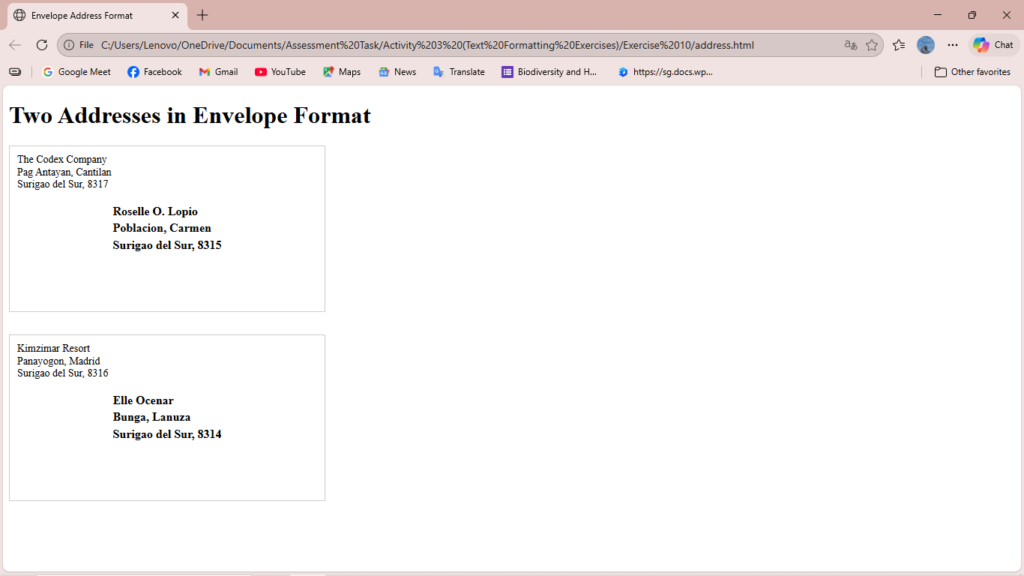
<!DOCTYPE html>
<html>
<head>
    <title>Envelope Address Format</title>
    <style>
        /* A simple style for the envelope box to make it clear */
        .envelope {
            border: 1px solid #ccc; /* Light border around the 'envelope' */
            width: 400px; /* Fixed width */
            height: 200px; /* Fixed height */
            margin-bottom: 30px; /* Space between envelopes */
            position: relative; /* Needed for absolute positioning of receiver */
            padding: 10px;
        }

        /* Style for the sender's address (top left) */
        .sender {
            position: absolute;
            top: 10px;
            left: 10px;
            line-height: 1.2;
            font-size: 14px;
        }

        /* Style for the receiver's address (center) */
        .receiver {
            position: absolute;
            top: 50%;
            left: 50%;
            /* Translate shifts the element back by half its own width/height to truly center it */
            transform: translate(-50%, -50%);
            line-height: 1.4;
            font-size: 16px;
            font-weight: bold;
        }
    </style>
</head>
<body>

    <h1>Two Addresses in Envelope Format</h1>

    <div class="envelope">
        <div class="sender">
            The Codex Company<br>
            Pag Antayan, Cantilan<br>
            Surigao del Sur, 8317
        </div>

        <div class="receiver">
            Roselle O. Lopio<br>
            Poblacion, Carmen<br>
            Surigao del Sur, 8315
        </div>
    </div>

    <div class="envelope">
        <div class="sender">
            Kimzimar Resort<br>
            Panayogon, Madrid<br>
            Surigao del Sur, 8316
        </div>

        <div class="receiver">
            Elle Ocenar<br>
            Bunga, Lanuza<br>
            Surigao del Sur, 8314
        </div>
    </div>

</body>
</html>
Exercise 11: Print ten acronyms and abbreviations of your choosing, each separated by two lines. Specify the data that the abbreviations and acronyms represent.
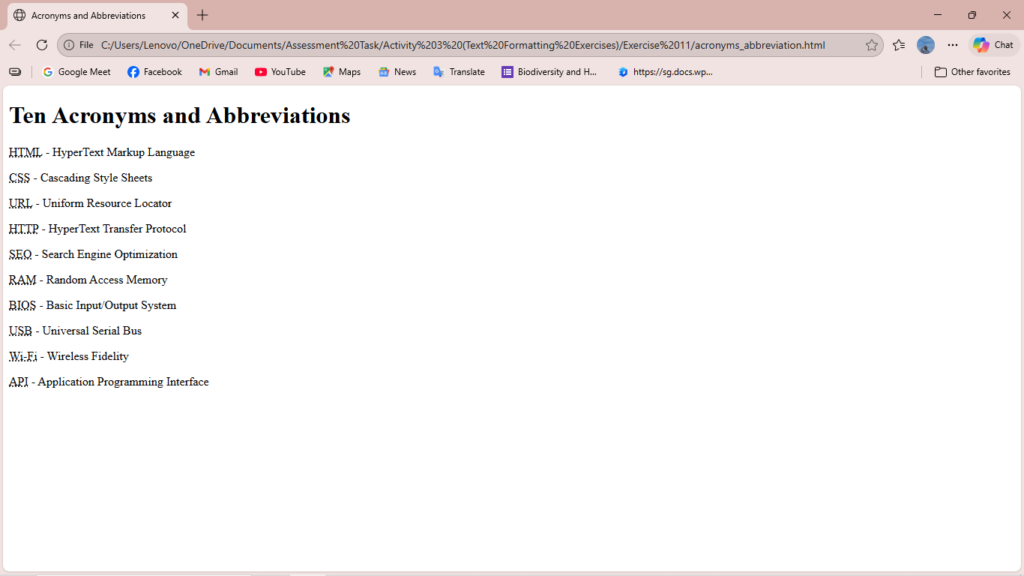
<!DOCTYPE html>
<html>
<head>
    <title>Acronyms and Abbreviations</title>
</head>
<body>

    <h1>Ten Acronyms and Abbreviations</h1>

    <p>
        <abbr title="HyperText Markup Language">HTML</abbr> - HyperText Markup Language
    </p>


    <p>
        <abbr title="Cascading Style Sheets">CSS</abbr> - Cascading Style Sheets
    </p>


    <p>
        <abbr title="Uniform Resource Locator">URL</abbr> - Uniform Resource Locator
    </p>


    <p>
        <abbr title="HyperText Transfer Protocol">HTTP</abbr> - HyperText Transfer Protocol
    </p>


    <p>
        <abbr title="Search Engine Optimization">SEO</abbr> - Search Engine Optimization
    </p>


    <p>
        <abbr title="Random Access Memory">RAM</abbr> - Random Access Memory
    </p>


    <p>
        <abbr title="Basic Input/Output System">BIOS</abbr> - Basic Input/Output System
    </p>


    <p>
        <abbr title="Universal Serial Bus">USB</abbr> - Universal Serial Bus
    </p>


    <p>
        <abbr title="Wireless Fidelity">Wi-Fi</abbr> - Wireless Fidelity
    </p>


    <p>
        <abbr title="Application Programming Interface">API</abbr> - Application Programming Interface
    </p>


</body>
</html>