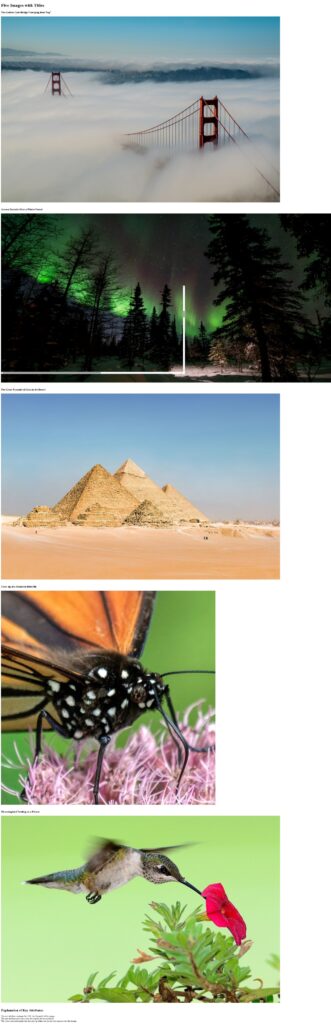
Exercise 1: Display five different images. Skip two lines between each image. Each image should have a title.
<!DOCTYPE html>
<html>
<head>
    <title>Display Five Images</title>
</head>
<body>

    <h1>Five Images with Titles</h1>

    <h3>The Golden Gate Bridge Emerging from Fog"</h3>
    <img
        src="bridge.jfif"
        alt="bridge"
        title="The Golden Gate Bridge Emerging from Fog"
    >
    <br><br>
    <h3>Aurora Borealis Over a Winter Forest</h3>
    <img
        src="aurora borealis.jfif"
        alt="aurora borealis"
        title="Aurora Borealis Over a Winter Forest"
    >
    <br><br>
    <h3>The Great Pyramid of Giza in the Desert</h3>
    <img
        src="pyramid.jfif"
        alt="pyramid"
        title="The Great Pyramid of Giza in the Desert"
    >
    <br><br>
    <h3>Close-up of a Monarch Butterfly</h3>
    <img
        src="butterfly.jfif"
        alt="butterfly"
        title="Close-up of a Monarch Butterfly"
    >
    <br><br>
    <h3>Hummingbird Feeding on a Flower</h3>
    <img
        src="bird.jfif"
        alt="bird"
        title="Hummingbird Feeding on a Flower"
    >
    <br><br> <h2>Explanation of Key Attributes</h2>
    <p>
        The <strong><code>src</code></strong> attribute contains the URL (or file path) of the image.<br>
        The <strong><code>alt</code></strong> attribute provides a text description for accessibility.<br>
        The <strong><code>title</code></strong> attribute makes the text pop up when you hover your mouse over the image.
    </p>

</body>
</html>
Exercise 2: Display an image that has a border of size 2, a width of 200, and a height of 200.

<!DOCTYPE html>
<html>
<head>
<title>Styled Image</title>
<style>
/* Optional: Makes the image element stand out a little more */
body {
font-family: sans-serif;
padding: 20px;
}
</style>
</head>
<body>
<h1>Image with Specific Styling</h1>
<img
src=”mosaic.jfif”
alt=”mosaic”
style=”border: 2px solid black; width: 200px; height: 200px;”
>
<p>
The image above has a border size of 2 pixels, a width of 200 pixels, and a height of 200 pixels.
</p>
</body>
</html>
Exercise 3: Display an image that when clicked will link to a search engine of your choice (should be opened in a new window).

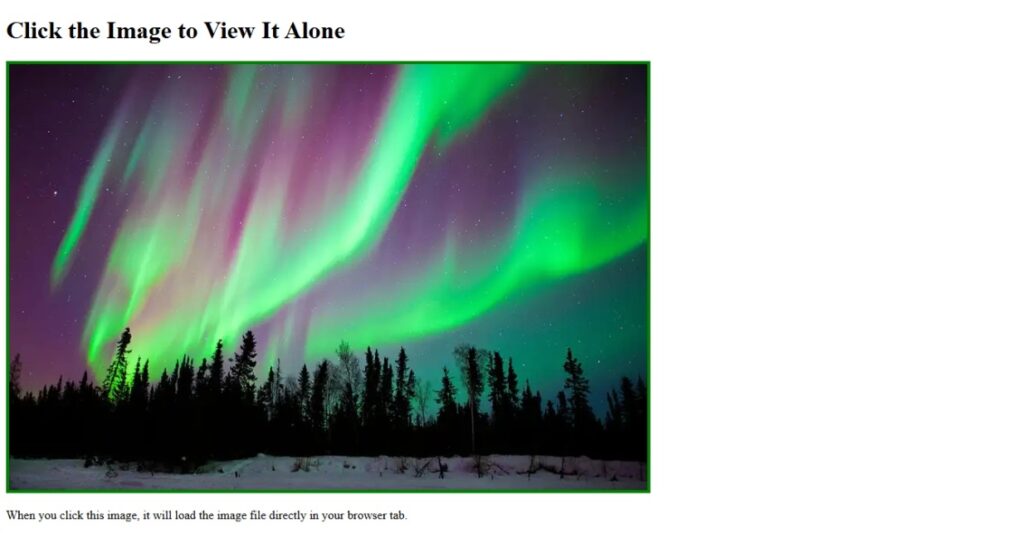
Exercise 4: Display an image that when clicked will link to itself and will display the image in the browser by itself.