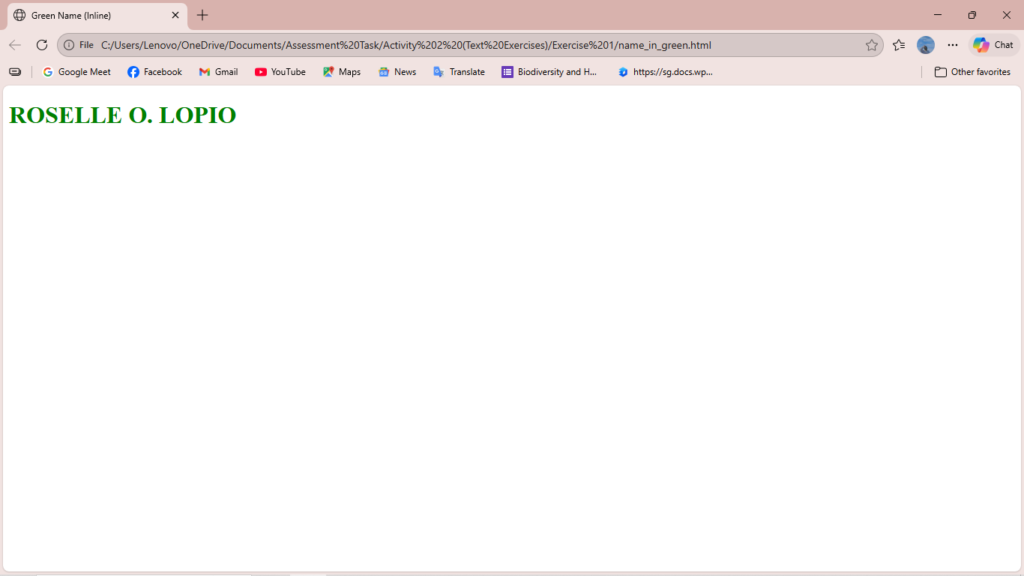
Exercise 1: Print your name in green.
<!DOCTYPE html>
<html>
<head>
    <title>Green Name (Inline)</title>
</head>
<body>

    <h1 style="color: green;">ROSELLE O. LOPIO</h1>

</body>
</html>
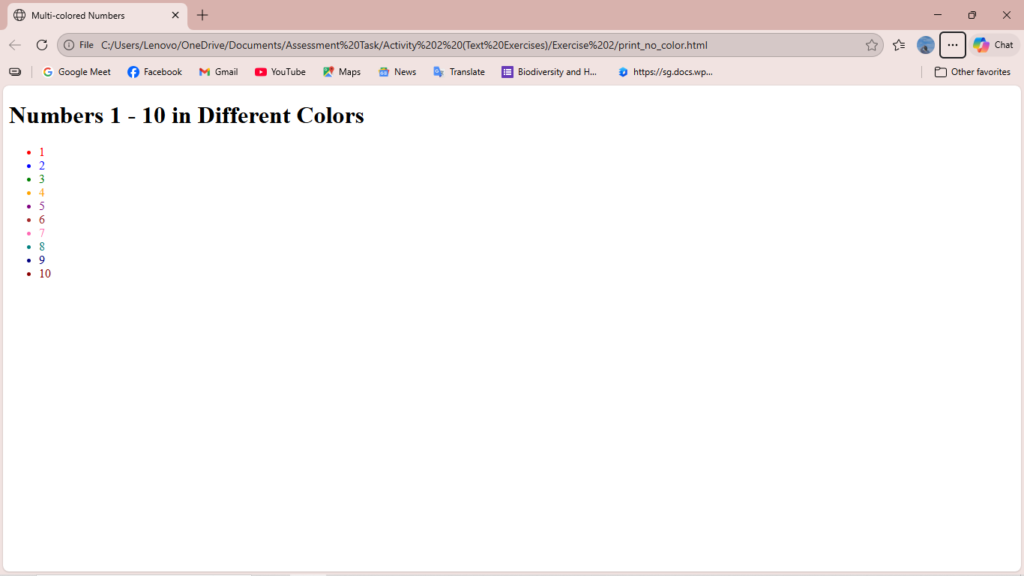
Exercise 2: Print the numbers 1 – 10, each number being a different color.
<!DOCTYPE html>
<html>
<head>
    <title>Multi-colored Numbers</title>
</head>
<body>

    <h1>Numbers 1 - 10 in Different Colors</h1>

    <ul>
        <li style="color: red;">1</li>
        <li style="color: blue;">2</li>
        <li style="color: green;">3</li>
        <li style="color: orange;">4</li>
        <li style="color: purple;">5</li>
        <li style="color: brown;">6</li>
        <li style="color: hotpink;">7</li>
        <li style="color: teal;">8</li>
        <li style="color: navy;">9</li>
        <li style="color: darkred;">10</li>
    </ul>

</body>
</html>
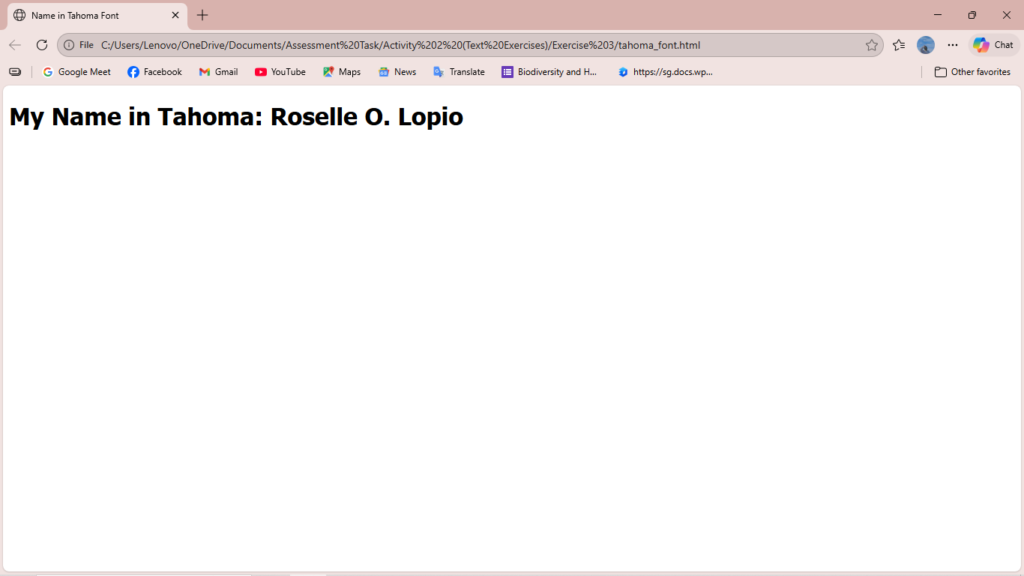
Exercise 3: Prints your name in a Tahoma font.
<!DOCTYPE html>
<html>
<head>
    <title>Name in Tahoma Font</title>
    <style>
        /*
        We use CSS to set the font-family.
        'sans-serif' is a fallback font in case Tahoma is not available on the user's system.
        */
        .tahoma-text {
            font-family: Tahoma, sans-serif;
        }
    </style>
</head>
<body>

    <h1 class="tahoma-text">My Name in Tahoma: Roselle O. Lopio</h1>

</body>
</html>
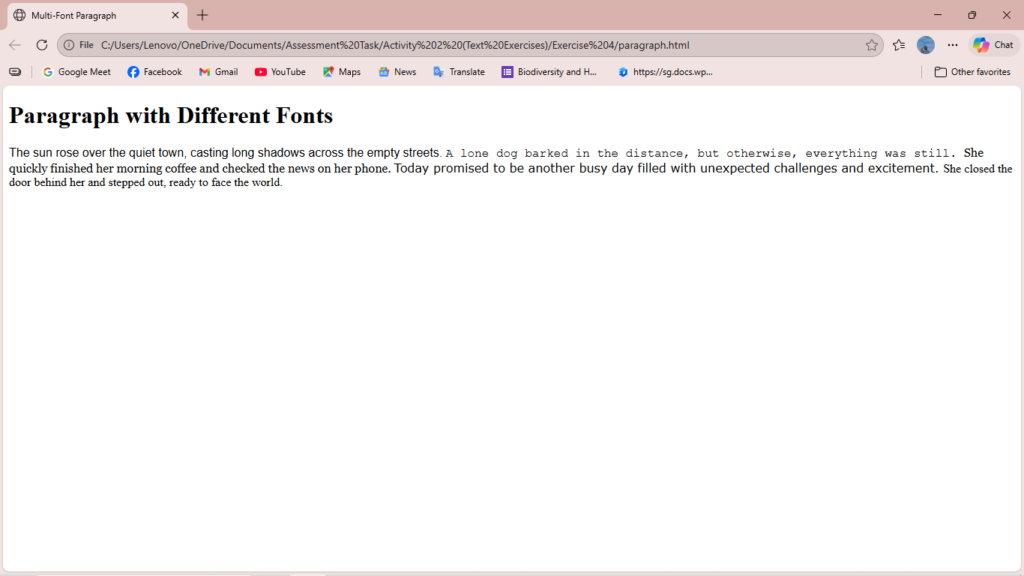
Exercise 4: Print a paragraph with 4 – 5 sentences. Each sentence should be a different font.
<!DOCTYPE html>
<html>
<head>
    <title>Multi-Font Paragraph</title>
</head>
<body>

    <h1>Paragraph with Different Fonts</h1>

    <p>
        <span style="font-family: Arial, sans-serif;">
            The sun rose over the quiet town, casting long shadows across the empty streets.
        </span>

        <span style="font-family: 'Courier New', monospace;">
            A lone dog barked in the distance, but otherwise, everything was still.
        </span>

        <span style="font-family: Georgia, serif;">
            She quickly finished her morning coffee and checked the news on her phone.
        </span>

        <span style="font-family: Verdana, sans-serif;">
            Today promised to be another busy day filled with unexpected challenges and excitement.
        </span>

        <span style="font-family: 'Times New Roman', serif;">
            She closed the door behind her and stepped out, ready to face the world.
        </span>
    </p>

</body>
</html>
Exercise 5: Print a paragraph that is a description of a book, include the title of the book aswell as its author. Names and titles should be underlined, adjectives should be italicized and bolded.
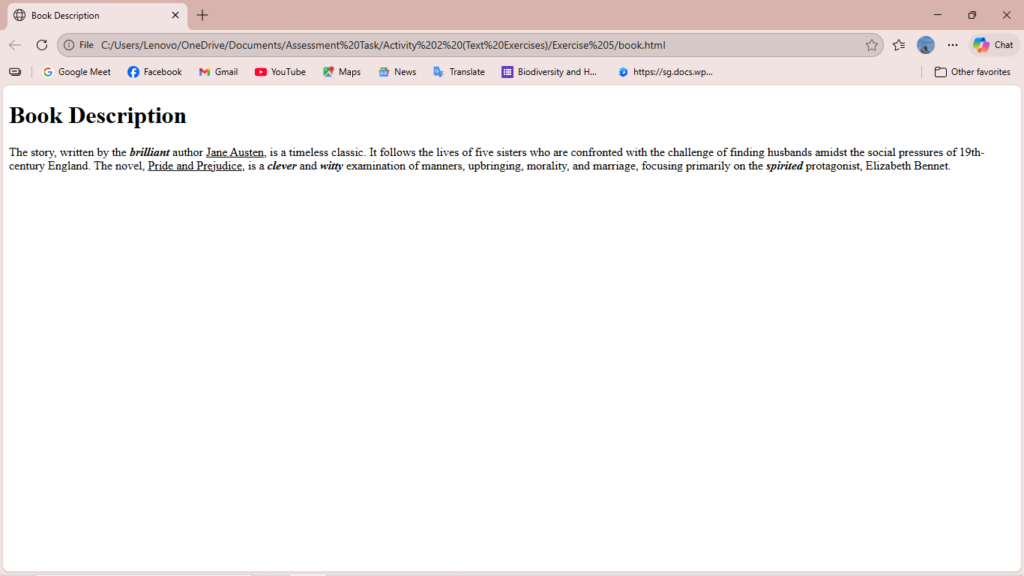
<!DOCTYPE html>
<html>
<head>
    <title>Book Description</title>
</head>
<body>

    <h1>Book Description</h1>

    <p>
        The story, written by the <span style="font-weight: bold; font-style: italic;">brilliant</span>
        author <ins>Jane Austen</ins>, is a timeless classic.
        It follows the lives of five sisters who are confronted with the challenge of finding husbands
        amidst the social pressures of 19th-century England.
        The novel, <ins>Pride and Prejudice</ins>, is a <span style="font-weight: bold; font-style: italic;">clever</span>
        and <span style="font-weight: bold; font-style: italic;">witty</span> examination of manners, upbringing,
        morality, and marriage, focusing primarily on the <span style="font-weight: bold; font-style: italic;">spirited</span>
        protagonist, Elizabeth Bennet.
    </p>

</body>
</html>
Exercise 6: Print your name to the screen with every letter being a different heading size.
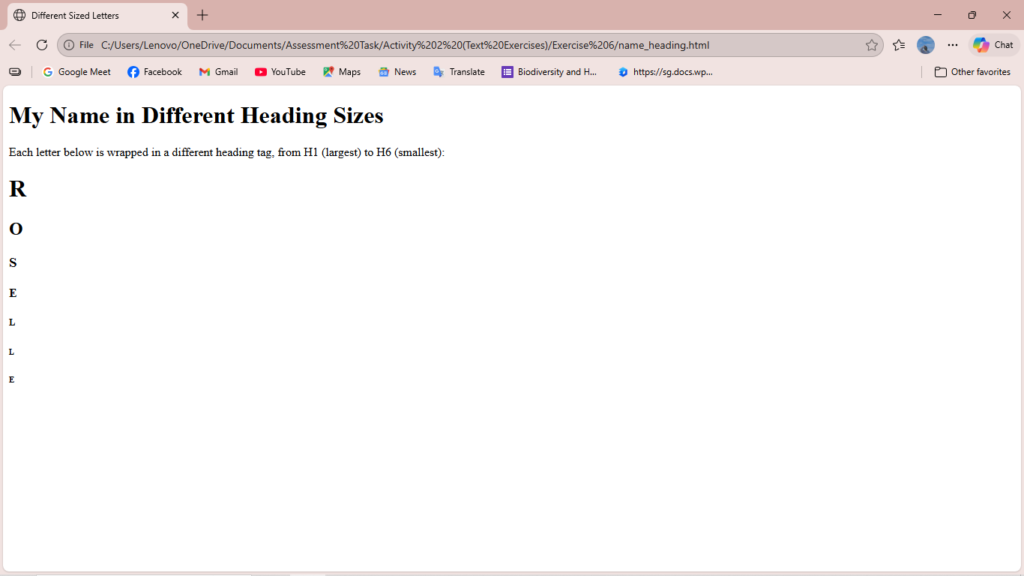
<!DOCTYPE html>
<html>
<head>
    <title>Different Sized Letters</title>
</head>
<body>

    <h1>My Name in Different Heading Sizes</h1>

    <p>Each letter below is wrapped in a different heading tag, from H1 (largest) to H6 (smallest):</p>

    <h1>R</h1>

    <h2>O</h2>

    <h3>S</h3>

    <h4>E</h4>

    <h5>L</h5>

    <h6>L</h6>

    <h6>E</h6>

</body>
</html>